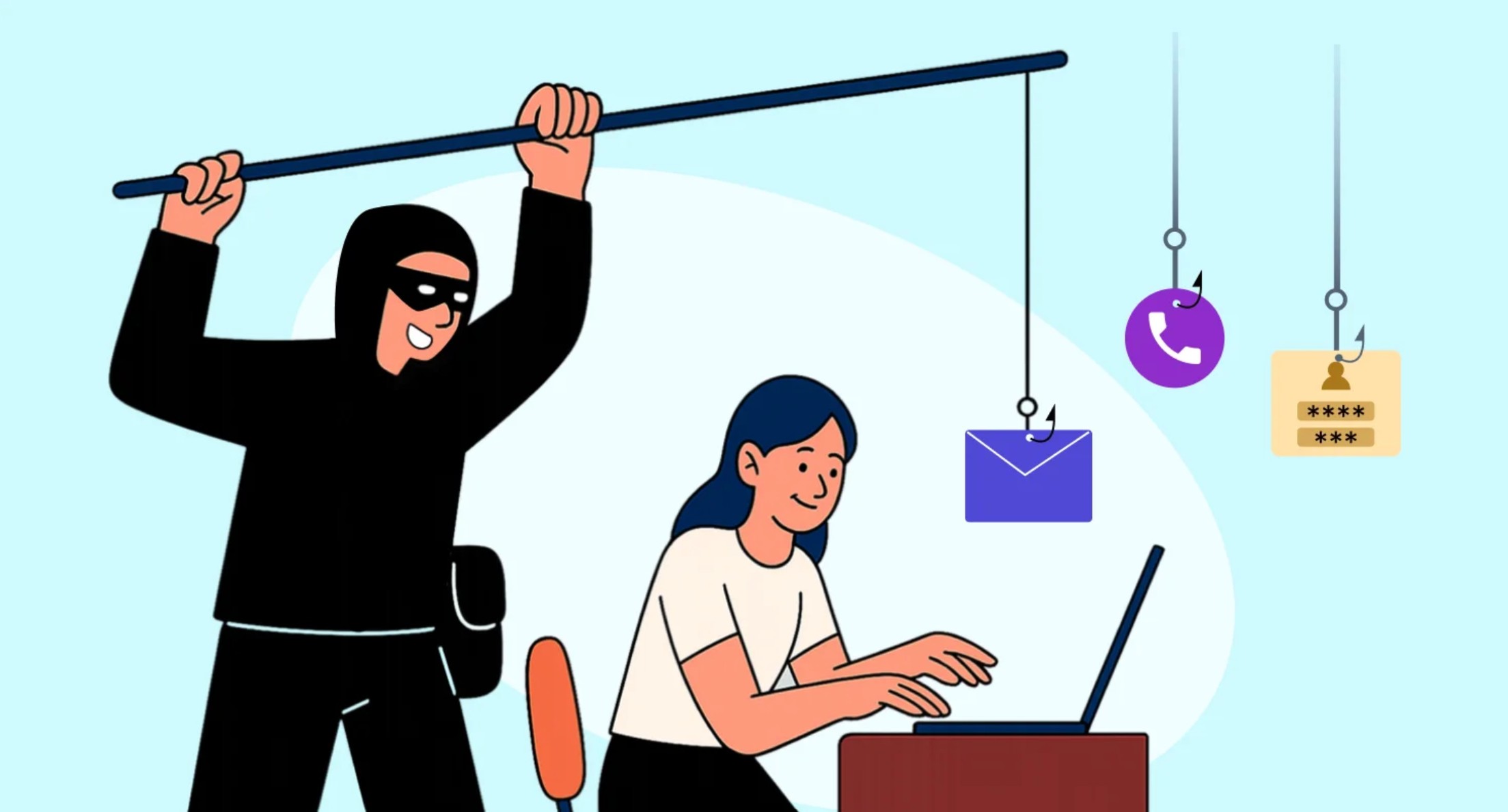
How to protect yourself from email phishing attacks (“fishing”)
Phishing is the most common way hackers gain access to accounts, systems, and organizations. It all starts with one single email.
Here are the 10 most important rules – memorize them:
- The sender's address is not what you see The real sender can be spoofed/forged. Always check the actual email address (right-click → “View source” / “Show original” / “View message source” / “View headers”). Examples of fake addresses:
- Urgent! Immediately! Final warning! If the email pressures you to act right now → it is almost certainly a scam.
- Never send your password, token, PIN, SMS code, or photo of your ID card No legitimate institution, bank, Microsoft, Google… will ever ask for this via email.
- Links – the most dangerous part of the email
- Hover your mouse over the link (DO NOT CLICK) → see where it really leads
- Suspicious? Don’t go there.
- Even better: manually type the address you normally use (e.g. mail.ues.rs.ba)
- Attachments are the second most dangerous part Do not open .zip, .rar, .exe, .js, .iso, .docm, .xlsm… unless you are 100% sure who sent it and why. Even .pdf and .jpg files can be infected/malicious.
- Grammar, spelling, and strange style Poor Serbian (or the local language) is still a very common sign of a scam (although attackers are getting better).
- Rewards, gifts, inheritance, payments, refunds If something sounds too good to be true – it almost certainly is not true.
- What to do if you already clicked or entered data?
- Immediately change your password (from a different device!)
- Notify the IT department / your supervisor within 1 hour
- Run an antivirus scan (preferably also Malwarebytes or a similar second-opinion tool)
- The best protection – verify in multiple ways Received an email asking you to change your password? → Do not click the link – go directly to https://mail.ues.rs.ba (or the official site you normally use)
- Antivirus + updates = mandatory
- Windows / macOS / Android / iOS – always the latest version
- Antivirus with regularly updated virus definitions
- Never disable protection “just for 5 minutes”
Quick checklist before clicking / opening anything
☐ Do I know the sender and was I expecting this email?
☐ Does the address look 100% correct?
☐ Is there urgency / threat / unexpected reward?
☐ Does the link lead to the real page? (check by hovering)
☐ Does the attachment look suspicious or unexpected?
If even one answer is “no” or “I’m not sure” → delete / report / ask IT.
Security is not a complication – security is a habit.
If you see a suspicious email – forward it to the IT department at urc@ues.rs.ba with PHISHING in the subject line.
Thank you for keeping yourself and all of us safe!